User-centered Assistance and Safety System
Category: Tablet App • Time: 6 Months • 2020
Development of a user-centred Assistance and Safety System for caretakers and patients with dementia. Scope covered research, concept and prototyping in an interdisciplinary university project, followed by an independent extension into UI design, a design system and an AI-assisted prototype.
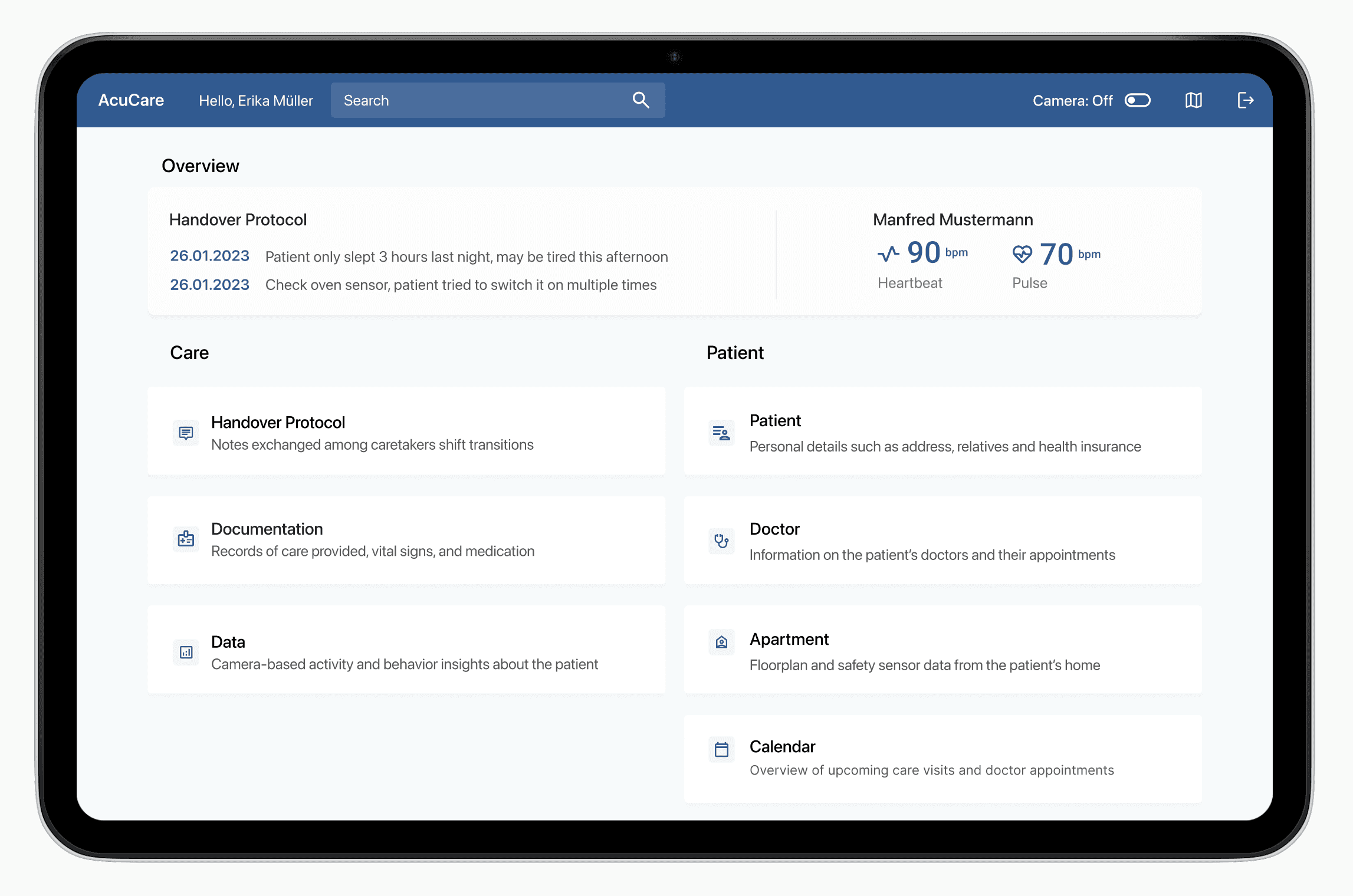
The research project delivered a summary of findings into the day-to-day work of professional caretakers and a first version of the app prototype.
After the project concluded, I continued independently: designing wireframes, building a design system and developing an AI-assisted prototype in Figma and Claude Code using Visual Studio.
Because a usability test with caretakers wasn't possible (because of the Covid pandemic) and the later extension was self-directed, there are no live user metrics for either phase.
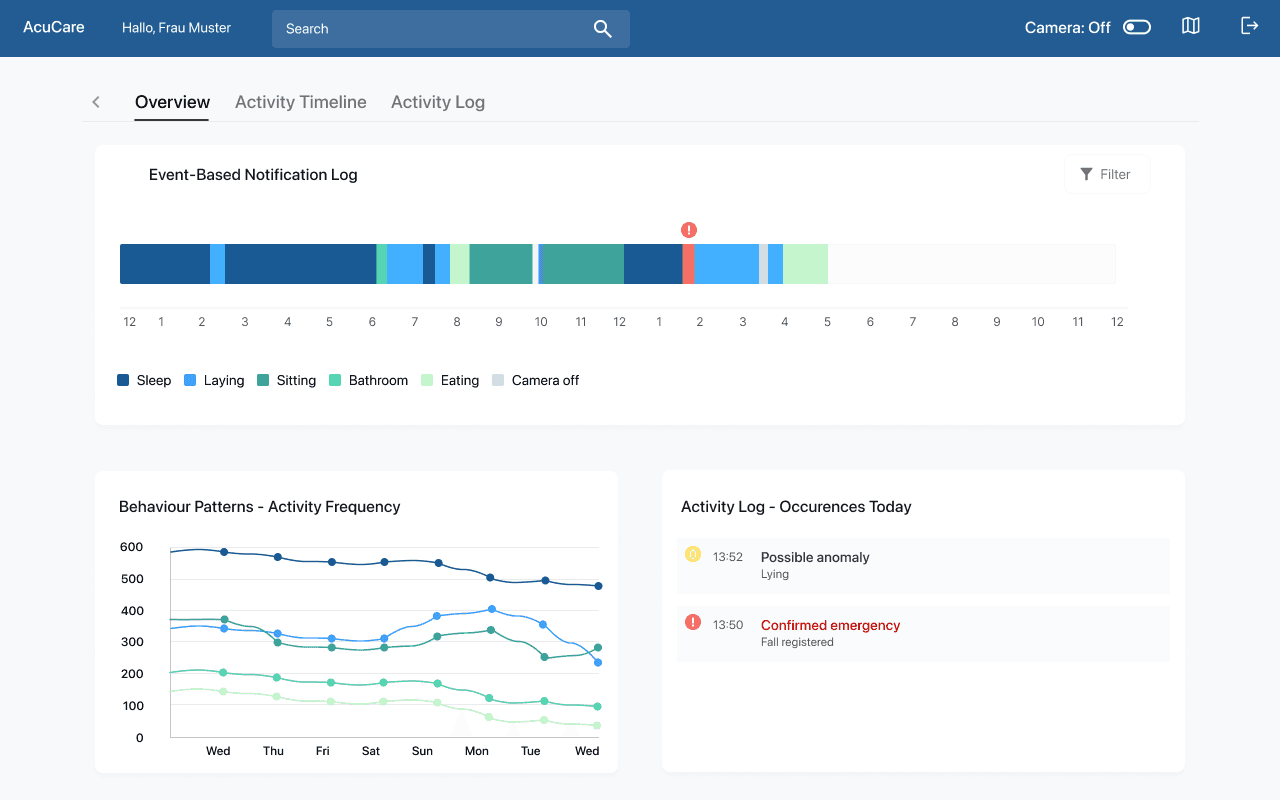
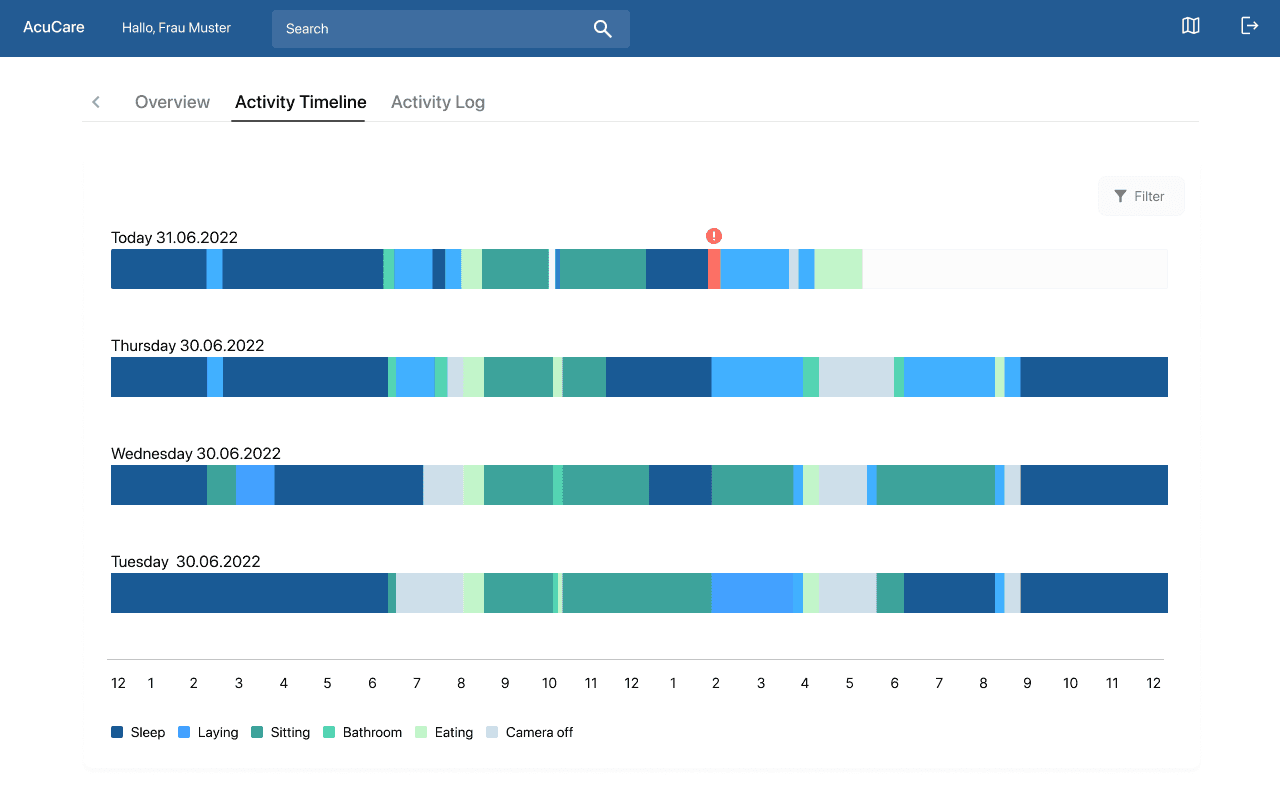
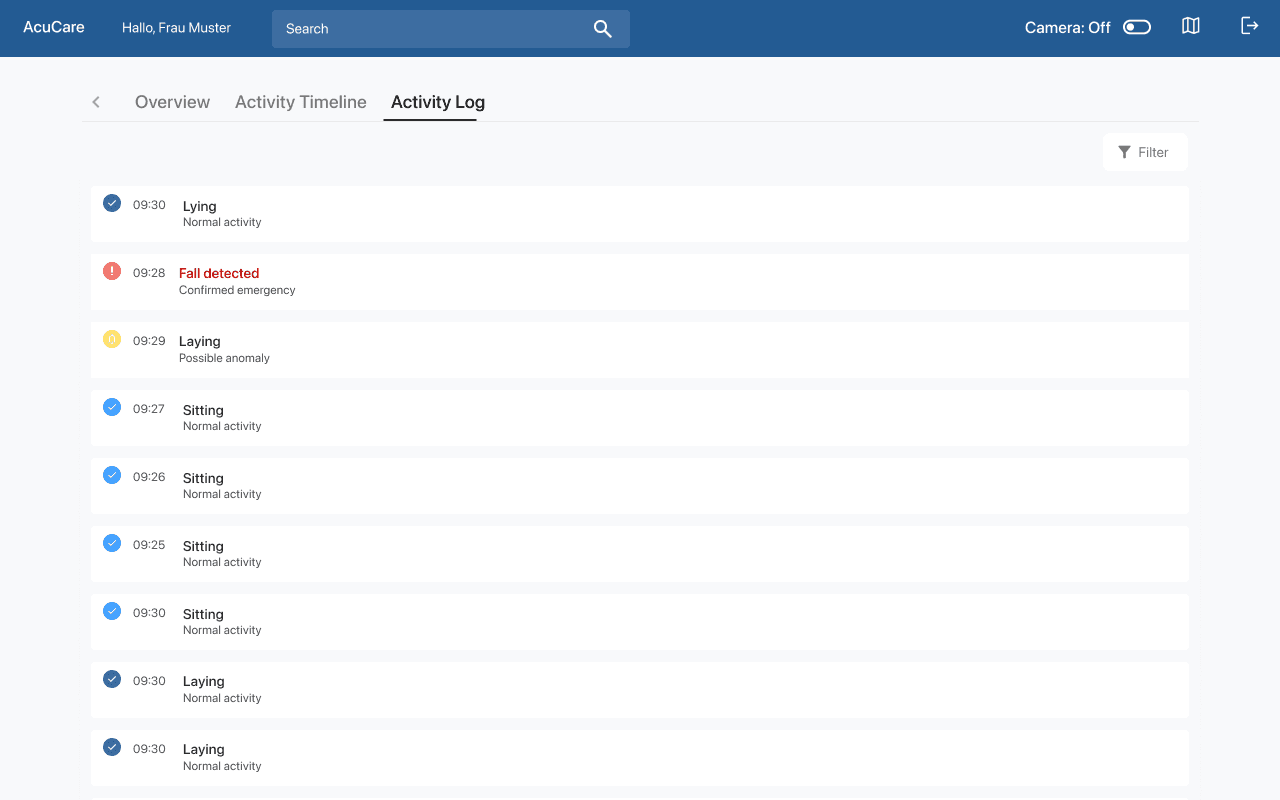
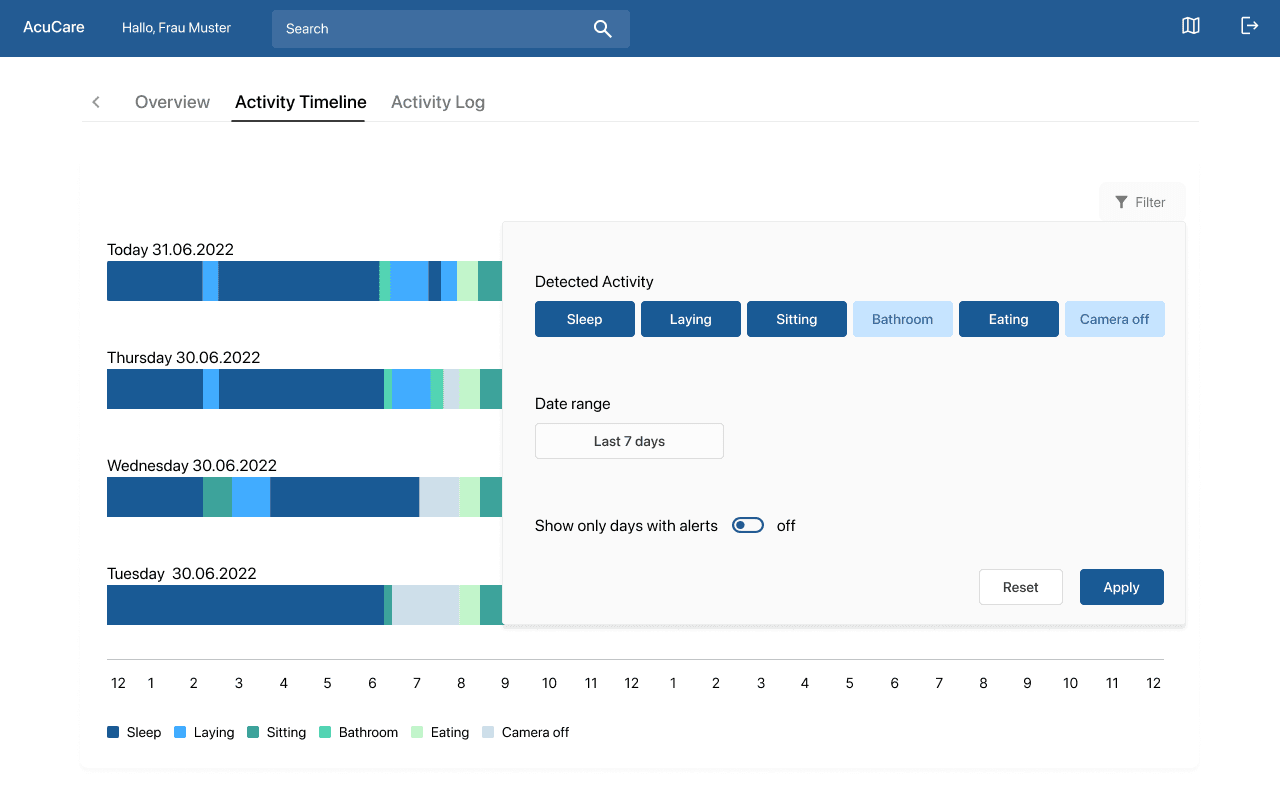
Research and prototyping, in a team of three M.Sc. Human Factors students during the project semester. Tasks were split evenly across the team: I led parts of the focus group, took part in the ideation sessions for concept creation, created the wireframes in Axure RP, led multiple expert review sessions and contributed to the data analysis.
After the project ended, I continued alone, working on the concept, UI design, and the AI-assisted prototype and design system as a personal project.
Develop technological support for professional caretakers specialised in caring for clients with dementia by using tablets with a specialised app. Most importantly, the project included determining which technological support would really help them in order to avoid additional workload.
The goal of this project was finding a solution to help the caretakers by simplifying their care records, which they currently have to complete on a smartphone app and additionally as handwritten documentation. Additionally, the system shall show predictions about the patients’ health status and potential risks.
From the focus group findings, we defined the app's key functionalities together, prioritising what caretakers actually needed. The project's scope stopped at a first prototype and review. After it ended, I decided to take the opportunity to use the expert review feedback to design an improved concept to deepen my own concept and visual design skills. From there, I decided to use a AI-assisted workflow to create a functional prototype including a design system to build my own skills in AI-assisted design and prototyping.
Professional caretakers specialised in caring for clients with dementia
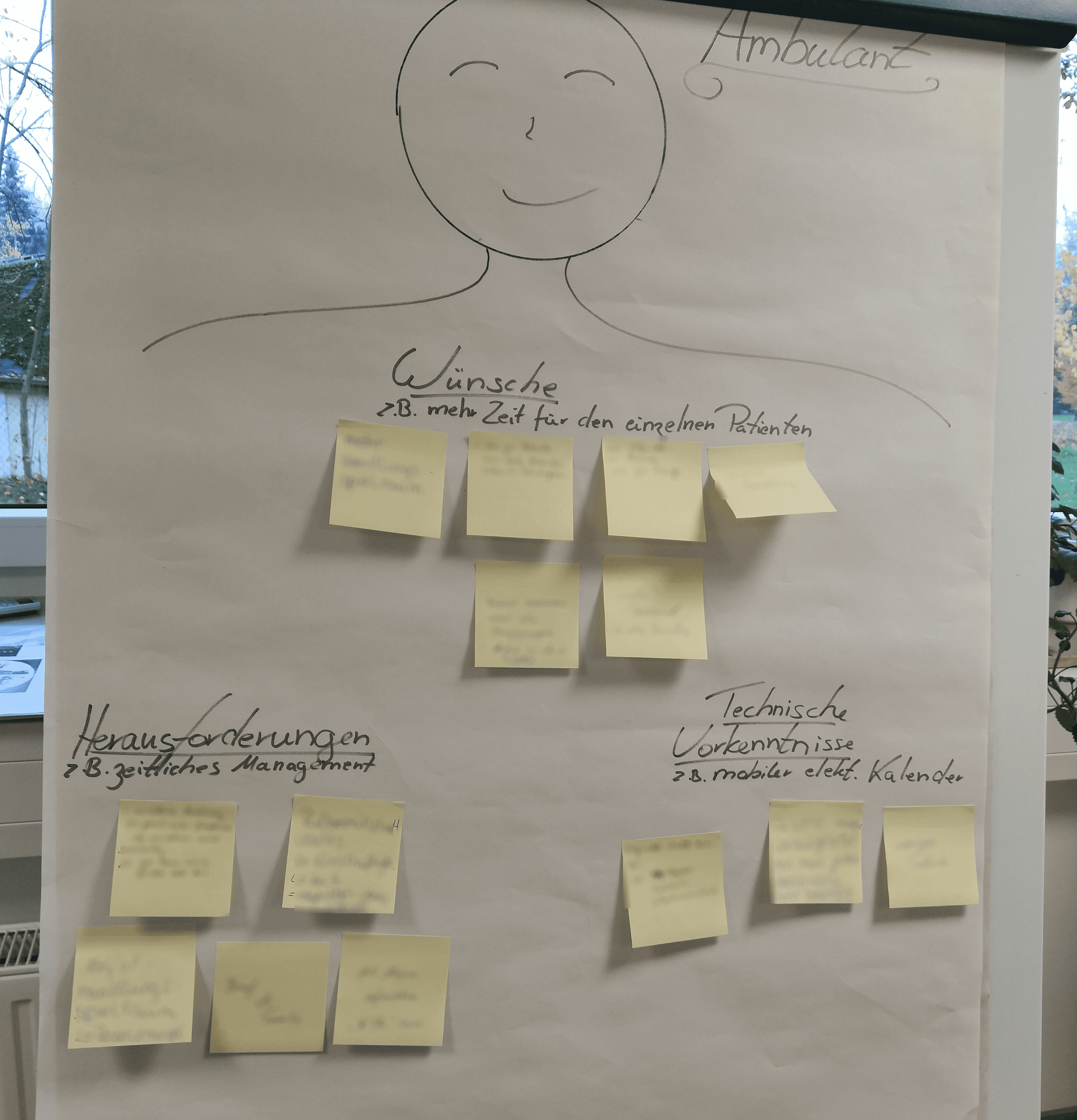
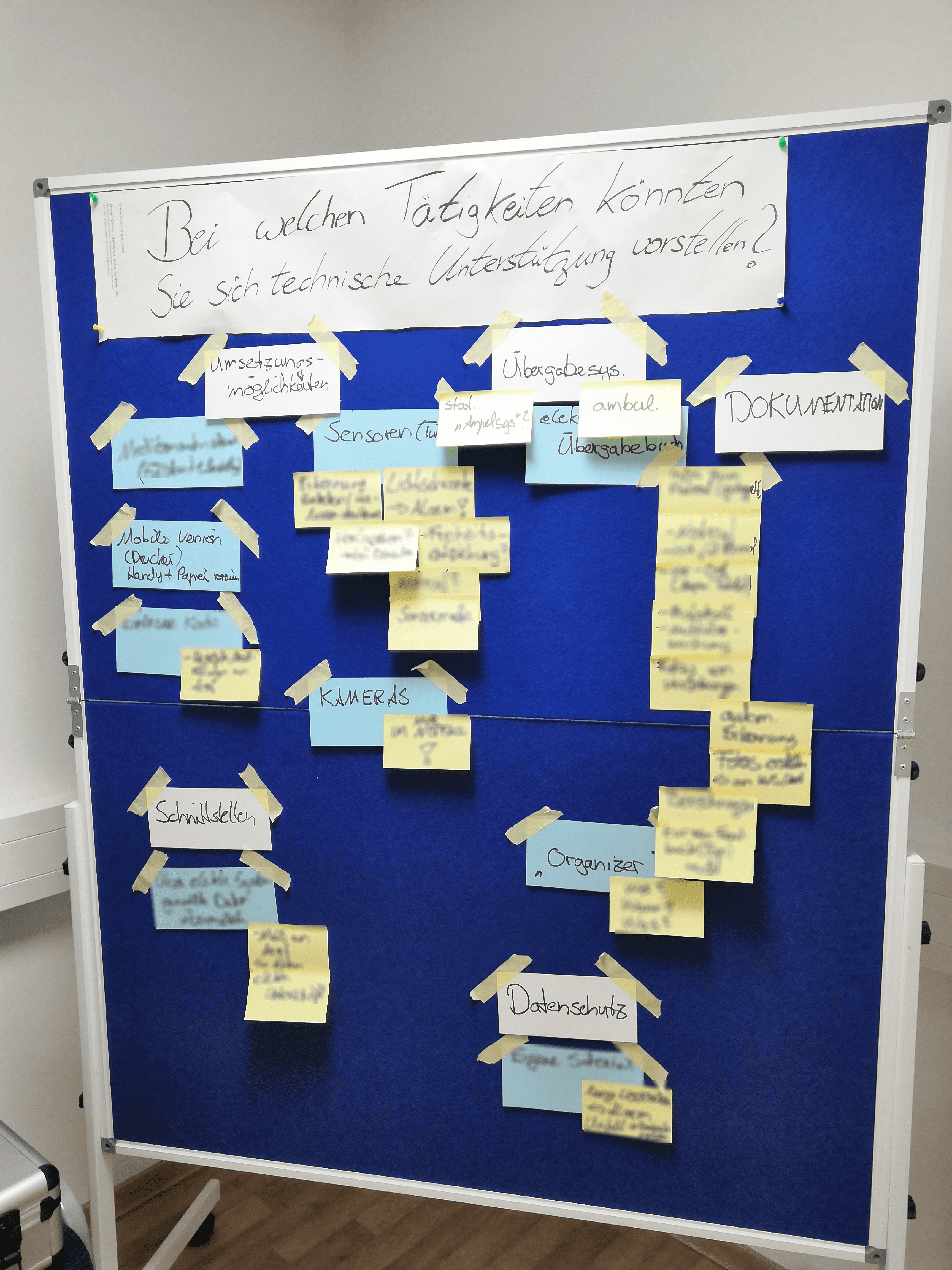
Paperprototyping & Wireframing
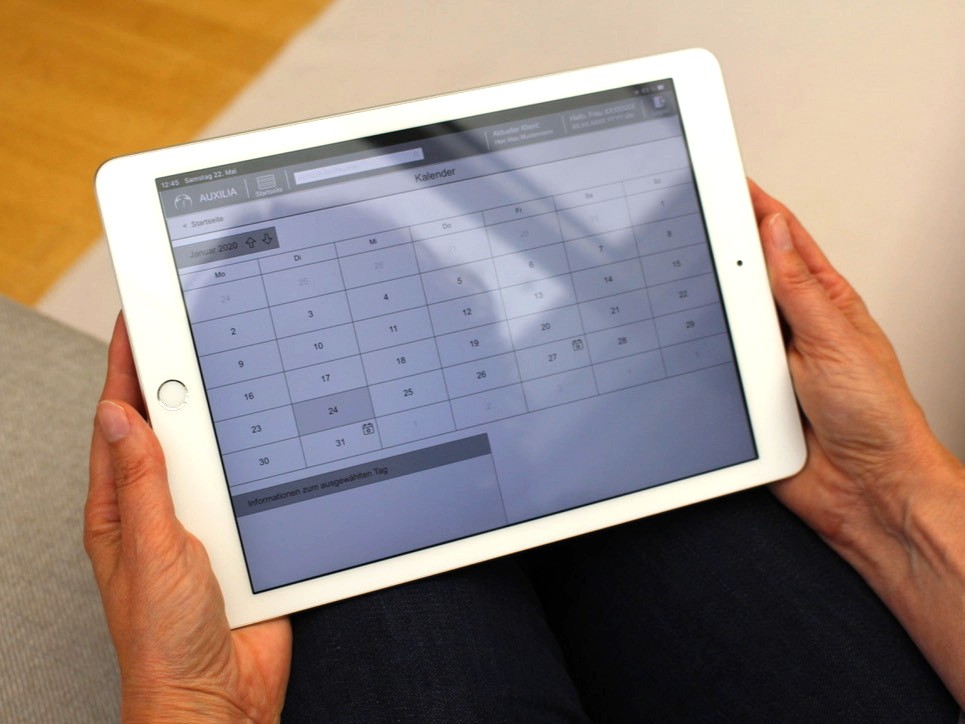
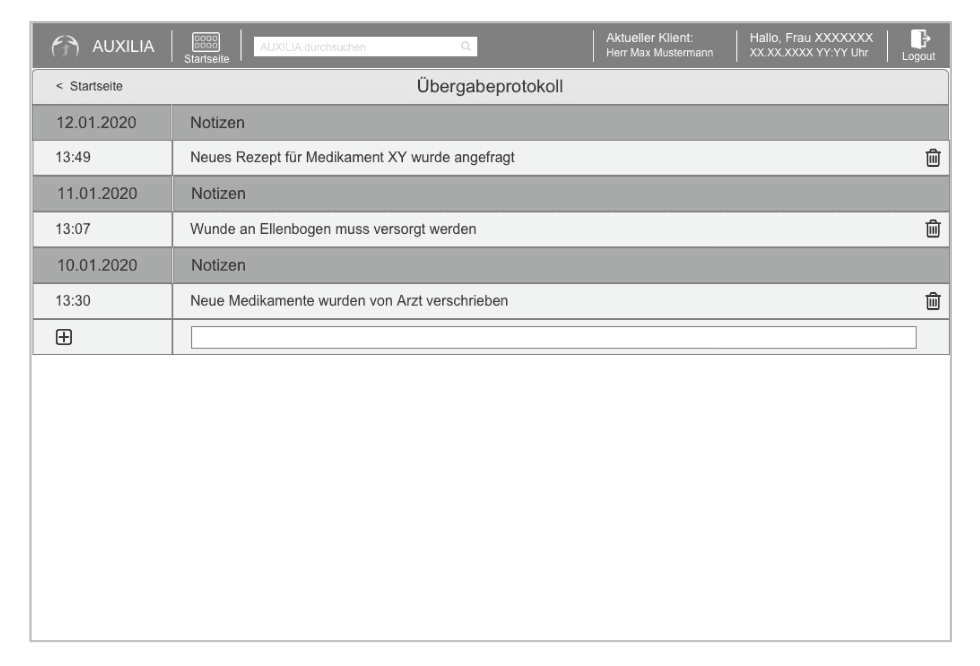
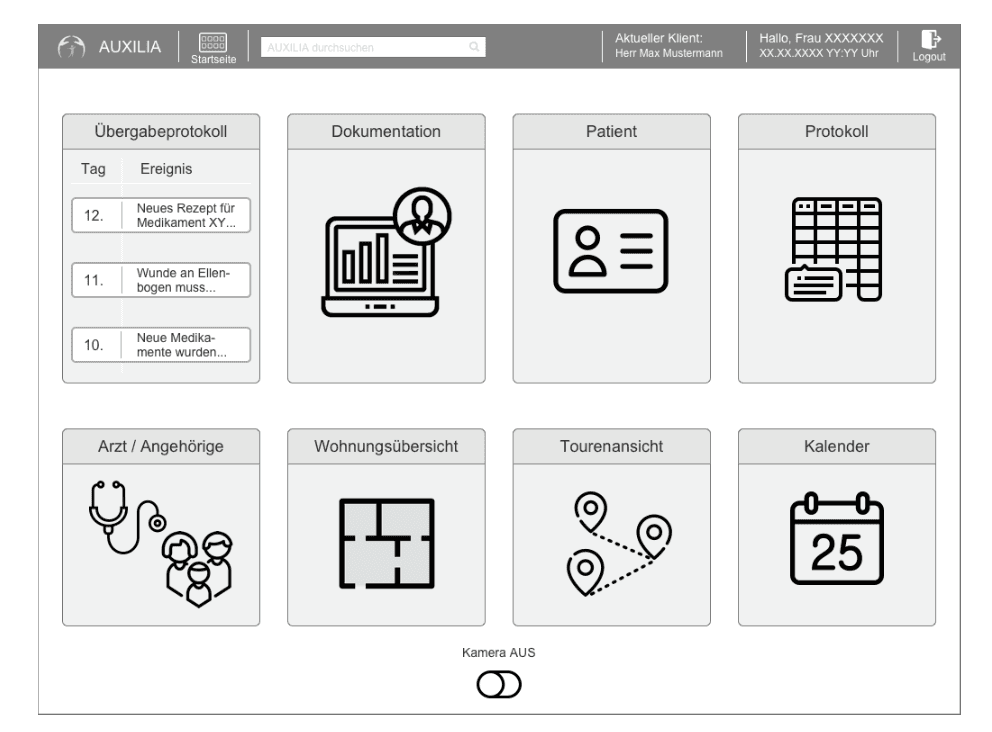
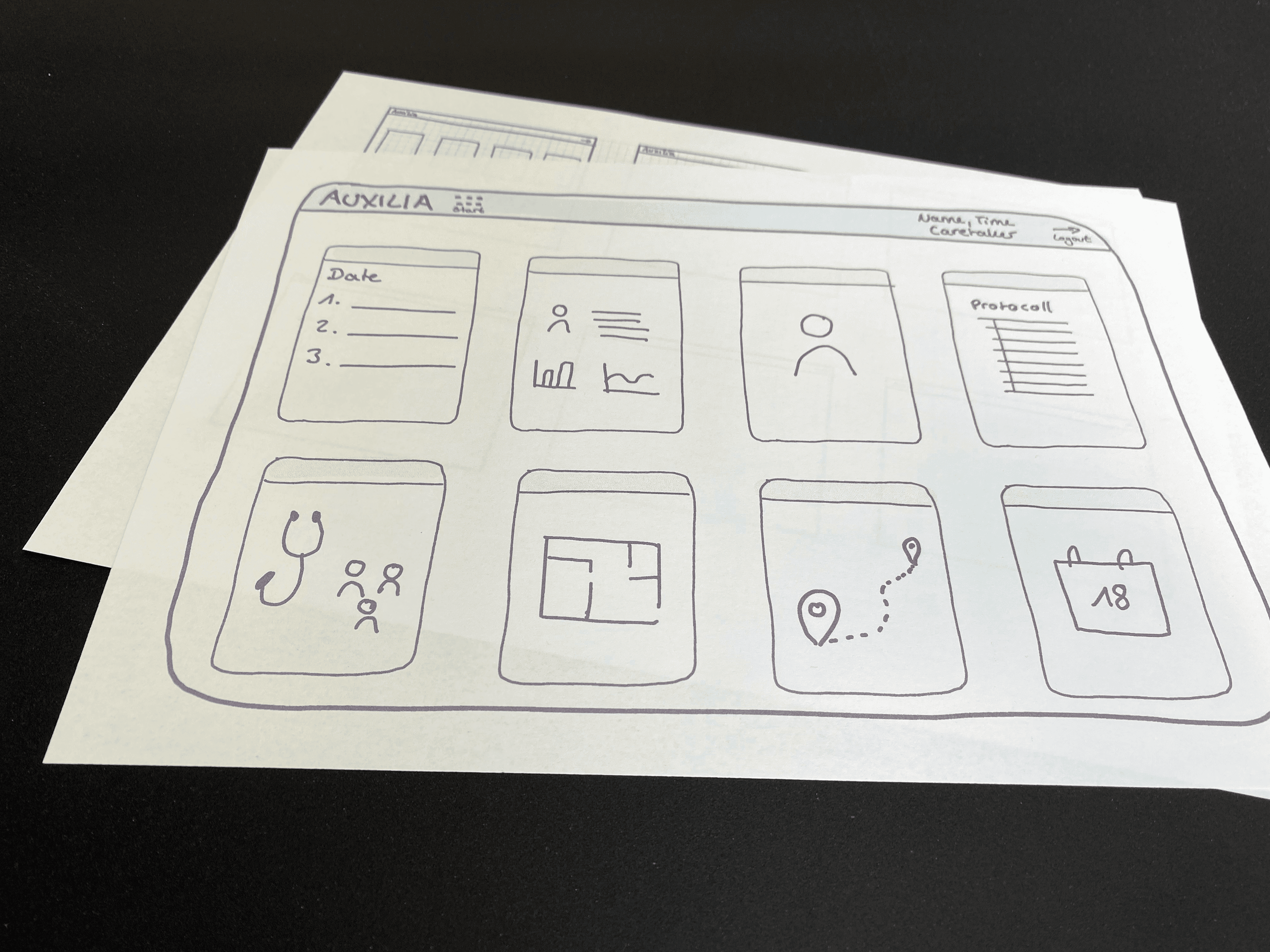
Considering the results of the Focus Group, the key functionalities were defined. A prototype was created using the methods paper prototyping and wireframing (Axure RP). Since the UI is specific to the use on a tablet, special attention was given to the element size.
UI Design
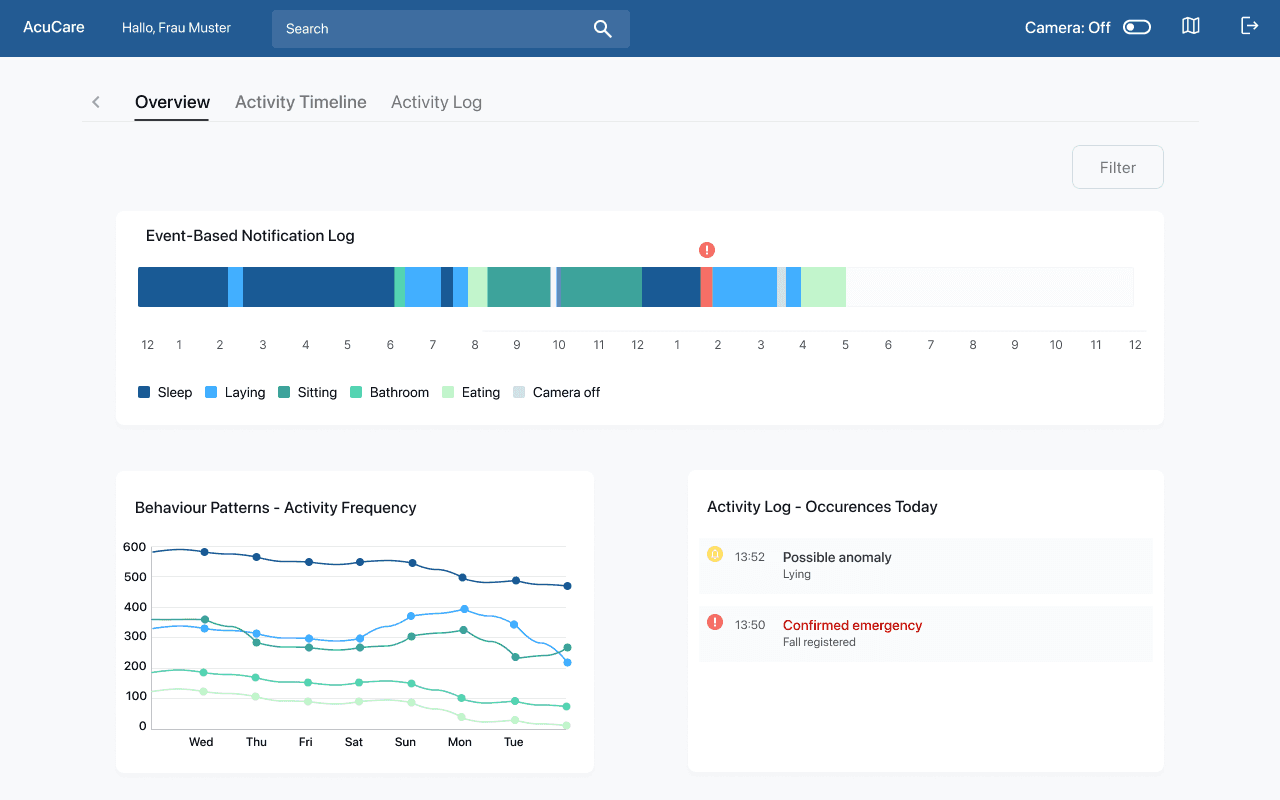
Although UI design wasn’t originally part of the project scope, I decided to use the expert feedback for creating an improved concept and UI design after the project was completed. This allowed me to deepen my concept and visual design skills.
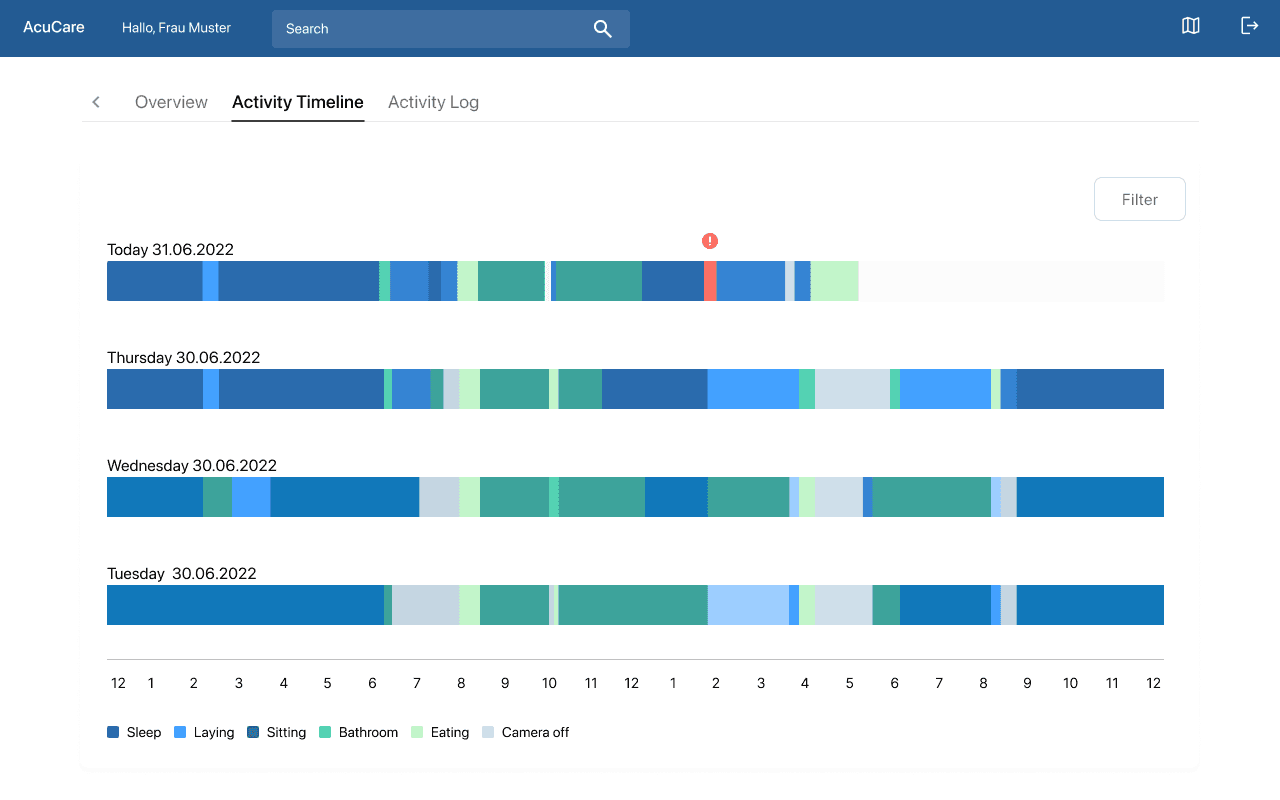
This project took important steps toward simplifying documentation for caretakers working with dementia patients. For a project this complex, the next step would be testing the app with caretakers again and iterating on the documentation functionality until it genuinely fits their everyday workflow which was prevented by the pandemic.
Working with an AI-assisted workflow also taught me to stay critical of what gets generated: without actively reviewing for accessibility, typography and responsiveness, inconsistencies slip through easily. Catching and correcting these became as much a part of the process as the prompting itself.